Here is another video of my daughter using technology. This time she is using an iPad. She is already well versed in how to run the iPod, so running the iPad was super easy for her. I'm not just showing this to show off my daughter, but rather to talk about the iPad. I have had the iPad for 2 days and the educational possibilities are endless. There are so many cools apps for all ages. She is playing a matching game in this video.
Wednesday, December 29, 2010

Monday, December 27, 2010
Wiki's in the Classroom

If you would like more information on how to use a wiki with your students, let me know and I can go into greater detail.
Check out the video below if you don't know what a wiki is.
Sunday, December 26, 2010
Generational Differences
Here is a video of my 3 year-old daughter playing the harmonica on the iPod, behind her is her 90 year-old great grandma playing her harmonica. I thought this was pretty neat, plus I get to show off my daughters harmonica playing skills :)
Wednesday, December 22, 2010
Google Life Photo Archive

"Search millions of photographs from the LIFE photo archive, stretching from the 1750s to today. Most were never published and are now available for the first time through the joint work of LIFE and Google."
If you don't click on the link, here is a screenshot of what the site looks like.

Tuesday, December 21, 2010
History of Christmas
With Christmas just around the corner, the History channel has put together a nice collection of resources to show your students the history of Christmas. They do a good job to not just concentrate on the Christian holiday, but examine the history of Santa, Christmas traditions, etc... Check it out here and show your students one of the videos...we all know the day before a big break is CHAOS!
NumberNut is NUTS!

Monday, December 20, 2010
Google Body

Note: You need the Beta version of Google Chrome for it to work.
ToonDoo

My students just email me the link to their ToonDoo and that is how I grade their books. Many free comic creators are limited in characters and props, not this one! There are SO many different things to choose from. Play around with it before you have your students use it to get a better understanding of how it works.
Friday, December 17, 2010
Not so delicious anymore! (maybe)


If you need to get your bookmarks out of delicious, go to the settings tab in the upper-right corner. Export your bookmarks as html. When you get to Diigo, you can upload your delicious bookmarks right into it. There might even be a link that says import your delicious bookmarks.
Thursday, December 16, 2010
Curious
I am curious as to how you are using this site. What do you enjoy about this learning community? What would you like to see changed? Any suggestions would be helpful. Thanks to those that are continuing to use this site. I will continue with it as long as people are using it.
Wednesday, December 15, 2010
Gotta Love the iPad!
I thought some of you would rather enjoy a little music video rather than a new tool. Thanks to Beth for sending me this video. I can't wait until my iPad arrives!
Tuesday, December 14, 2010
Goo What...Goofram

Wolfram Alpha is a search engine like you are not used to. When you search something, it doesn't give you sites to go to, but rather information about that topic you have entered. For example, if I put in Abe Lincoln, I am going to get results that show me biographical information about Abe Lincoln, not sites to go to. If I search a math equation, it gives me the answer, plots it for me, etc... This is a great tool for Math or Science. If you don't check out Wolfram Alpha, tell someone about it, because it is a pretty cool tool.
Explanation of Wolfram Alpha
Goofram brings Google and Wolfram Alpha together. You can see your search results on the left side of the screen, and see the Wolfram Alpha results on the right side of the screen. I think I have found my new search engine (even though Google Chrome as eliminated the need to go to the actual search engine page). Check out Wolfram Alpha before you check out Goofram.
P.S. Sorry this post was a little later than usual...Got a little tied up after school :)
Monday, December 13, 2010
Chrome Apps

The Google Chrome web browser came out with its newest version a couple weeks ago, and it is AWESOME!
Here is the link on how to update Chrome depending on if you are a Mac or PC.
The new Chrome brings in the App world! There are hundreds of things to choose from in the Chrome Web Store. I literally spent a couple hours browsing through the many different apps and found the ones that were best for me. Check out the video for more information.
Thursday, December 9, 2010
Clicker is Clickdiculous

Educational Use: Easily bring tv shows into your classroom. There are many times I am at home watching a program and see something that relates to my classroom but didn't tape it, or it isn't on YouTube, THIS IS YOUR ANSWER. If you already use Hulu, this is Hulu on steroids. Check it out!
Wednesday, December 8, 2010
Rethinking the Library to Improve Information Literacy | Edutopia
This was an interesting blog article in Edutopia. Very intriguing to think about how/what a school library should look like. What are your thoughts?
Dabbleboard

This would be a great way to do collaborative writing assignments. This can also basically be done with Google Apps!
Tuesday, December 7, 2010
TIES Bookmarks
I am back from TIES with TONS of ideas. I want to share my Delicious bookmarks from the conference.
Click HERE for my TIES bookmarks.
Click HERE for my TIES bookmarks.
Monday, December 6, 2010
TIES Keynote
Sir Ken Robinson gave the keynote this morning at the TIES conference. Here is basically what he talked about. Great speaker, and did an awesome job! Check it out!
Poll Everywhere

I am at the TIES conference in was at a presentation on using cell phones in the classroom, and this was presented. We all did it, and it was so easy. I might have to try this one in my class!
Friday, December 3, 2010
TIES Education Conference

While I am gone, my 8th graders will be working on their colony sites, and I have encouraged them to use the chat function within Google Docs to ask questions. I will be on my laptop at the conference, and hope to be available for them while I am still gone. I have told them to email me with questions if I don't respond to the chat. Should be interesting to see how this goes :)
Thursday, December 2, 2010
Google Sites

Google Sites is an awesome FREE tool. Users (with Google accounts) can create free websites. I use Google Sites for my classroom page. It is extremely user friendly, easy to use, and you can get as advanced with it as your are comfortable. You can create your own classroom page, pages on different topics within your subject area, or have your kids create websites (if they have Google accounts).
I have had students create sites on topics like Weather & Climate and right now my 8th grade students are creating sites on the Colonies. I use it as a replacement for creating presentations...kids LOVE it!
Wednesday, December 1, 2010
Generational Differences
Watch the first minute of this interview with Jay Leno. This was on lastnight, and as I was watching a thought crossed my mind. Generational differences...YouTube versus the Cookbook. The student versus the teacher, should it be a change in the way we think and teach. Wikipedia versus Encyclopedia, Google versus Dictionary. It is an interesting topic to ponder!
Tuesday, November 30, 2010
BabelWith.Me

How I use this in my class: Social studies is full of movies...so much so, we are often referred to as the movie theater of the school :) I was wondering how I could engage my students while watching movies, and stumbled across a backchannel chat. The first thing I did was create my chat room, I then posted the link that was given to me on my website. All the students went to my site, clicked on the link, put their name in, and thats it! While the movie is playing, all my students have a laptop in front of them. We are then able to discuss the movie as it is going on. What I really love is being able to send links to the students to add to the discussion. The kids have LOVED doing this. I'm going to try to create a video of my class chatting tomorrow, and share it.
Saturday, November 27, 2010
Little Kids and iPods
My daughter loves to use the iPod, and she can navigate through screens and find the games she wants to play. My daughter is almost 3!
Why did I post this?
If a 3 year old can work her way through an iPod, what does that mean for the future of education? If our students are coming into our classrooms knowing how to do this already, does it change the way we teach? I'm curious to hear your takes on education and technology!
Why did I post this?
If a 3 year old can work her way through an iPod, what does that mean for the future of education? If our students are coming into our classrooms knowing how to do this already, does it change the way we teach? I'm curious to hear your takes on education and technology!
FAQ's Page Added

Wednesday, November 24, 2010
Test Your Memory
Happy Thanksgiving from me to you! Here is a little Thanksgiving game to test your memory.
Thanksgiving Game

Thanksgiving Game
Tuesday, November 23, 2010
Laptop Buying Guide
Video from CNET
I have had many questions recently about what kind of laptop to buy. First of all, this is a great time to buy, even if it is for yourself. There are some GREAT Christmas deals out there! In the end, it all comes down to preference and what you are going to be doing with your laptop that will guide your direction. I will give some of my suggestions without pushing a brand.
Battery Life: Spend the extra bucks and upgrade your battery. It's better to spend the $50 now and get extended battery life, then have to shell out $200 a couple years down the road.
Screen Size: I recommend 13-15 inch models. Anything under 13 seems a little small and anything over 15 is overkill.
Memory: 2GB...I would not settle for anything less. Rule of thumb is, $100 per GB. If you want to upgrade, do it! On a side-note, if your kids download music or you have tons of pictures, get an external hard drive...it will lengthen the life of your computer!
Processor: If you are buying new, processor should be good. If you can spend the money, go ahead and upgrade, but I wouldn't be too worried about it.
Accessories: A carrying case is a MUST! I would suggest getting Bluetooth built into your laptop, you may never use it, but the one time you do, you'll want to have it. Bluetooth upgrade is really cheap anyway!
Check out Geek.com for their laptop buying guide.
Assess your needs, and go from there!
Monday, November 22, 2010
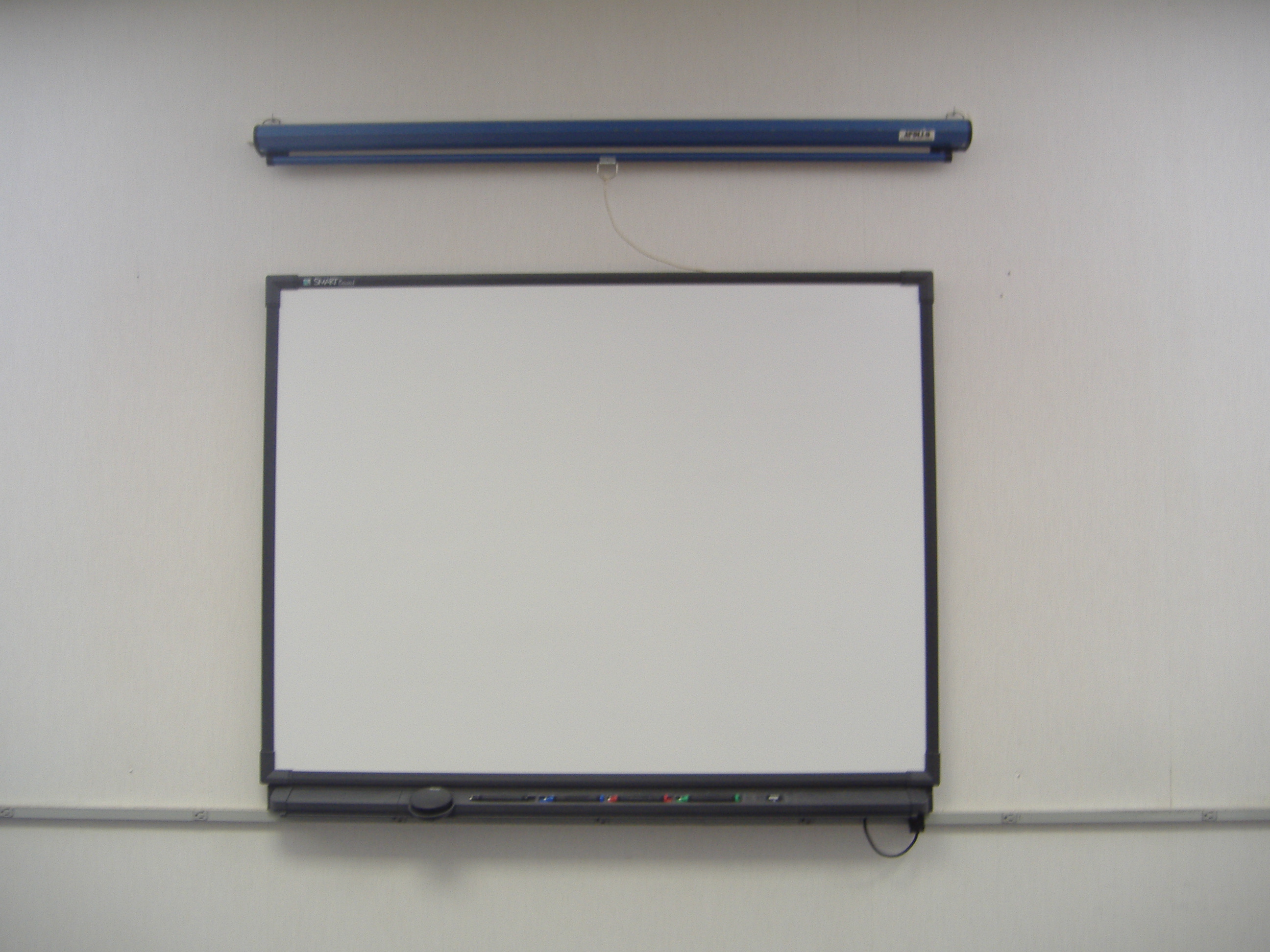
SMART Education
Friday, November 19, 2010
Chrometastic

Download Google Chrome for Mac
Download Google Chrome for PC
SMARTBoard users will love it!

Thursday, November 18, 2010
Adding Posts
If you would like to add posts to this page. Let me know and I will give you the permissions to do so. This could be a great place to share what is going on in your classroom with other educators.
Do not confine your children to your own learning, for they were born in another time. ~Hebrew Proverb
Do not confine your children to your own learning, for they were born in another time. ~Hebrew Proverb
Classroom Management
I came across this discussion posting on Edutopia. The question was started by Larry Ferlazzo. The question he asks is "What is the best classroom management advice you have ever gotten?". This got me thinking...
I can't pick just one piece of advice, and because this is my spot to write what I want, I am going to list a couple.
Pick your battles
Respect them and they will respect you
Don't belittle or argue with a student in front of their peers
1 on 1 meetings go a long ways
Smile :)
Laugh
Let kids, be kids
Don't sweat the small stuff
Give the kids ownership
Find something good in ALL students and praise it!
Be real
What is your best classroom management advice?
On a side note, check out the video of a teacher that probably has very few classroom management issues!
I can't pick just one piece of advice, and because this is my spot to write what I want, I am going to list a couple.
Pick your battles
Respect them and they will respect you
Don't belittle or argue with a student in front of their peers
1 on 1 meetings go a long ways
Smile :)
Laugh
Let kids, be kids
Don't sweat the small stuff
Give the kids ownership
Find something good in ALL students and praise it!
Be real
What is your best classroom management advice?
On a side note, check out the video of a teacher that probably has very few classroom management issues!
Online TV!

Wednesday, November 17, 2010
60 Second Recap

Tuesday, November 16, 2010
Number Munchers

Monday, November 15, 2010

Friday, November 12, 2010
Backchannel Chat

Library of K-12 Links
The Library of K-12 Links. Is an awesome resource for any grade level or subject. The site breaks things down nicely for the user. I used it today to help find some online resources for teaching Jamestown. Why would I go here instead of Google? The Library of K-12 Links takes out all the "other stuff" I don't need to look at when searching in Google. Give this one a try today! Happy Friday!

Wednesday, November 10, 2010
Delicious is Delicious

http://www.delicious.com/braymo22
Tuesday, November 9, 2010
MSDC Tech Conference
I am at a conference today listening to Will Richardson. Will Richardson is a world renowned blogging expert on educational technology. He is giving an awesome discussion on technology in our schools. I have created a list of links he has given us, and will share that via Delicious sometime tonight. Learning the benefits of Twitter right now...I have never really been a big Twitter person, might have to start doing it :)
Here is my Delicious bookmarks.
Here is my Delicious bookmarks.
Monday, November 8, 2010
Google Books

Google Books is a great place to find books to read online. They have tons of classics to read entirely online, or you can also use Google Books as a search for a book you are looking to buy. This is a great way to save money in schools. Find a book within Google Books that is free, and you don't have to pay a dime. Kids can also have access to these books at home! They also have tons of magazines! You can even embed them on your site. Give it a look today.
Saturday, November 6, 2010
Voxli

- If you are going to be gone, but will still have access to your computer, you could set up a voice chat for your students to go on and ask questions.
- Great for distance education courses as a way to "connect" with students.
- Have students from different schools discuss or debate a certain topic
- Read a book to someone in a different country or classroom
- Broadcast lectures and still be able to get student responses
Friday, November 5, 2010
XBox Kinect and Education!

The latest greatest advancement in video game technology is here! XBox Kinect has hit the shelves. It is a controller less video game system that connects with the XBox 360. Now, you are probably wondering why would this be on an educational resource page? Well, think about the implications for Physical Education. What will this do for obesity in American kids? Special needs kids? This can be a great tool to getting kids active. I can't wait to see their lineup of games.

The Jimmy Fallon video came from Hulu. Hulu is an awesome place to find videos from some of the top shows on TV, from reality tv, to game shows, to drama...they even have a classics section! This database not only house TV shows, but movies as well. A great way to bring a little spice into your classroom discussions. Ask your kids about it, I bet most already use Hulu!
Thursday, November 4, 2010
PBS Teacher Resources

Wednesday, November 3, 2010
Creating Interesting Presentations

If you think your presentations are boring and PowerPoints are not holding the attention of your students. Well! Try Prezi. Prezi is a presentation tool that allows you to present your material in a unique way. I have played around with it a little bit and the learning curve looks a little steep, but once you figure it out, it can be an awesome way to present material.
Tuesday, November 2, 2010
Jing!!

Have you ever wondered how to take a picture of your screen or record what is happening on your screen? Jing is a GREAT free tool used to accomplish this. I absolutely fell in love with Jing the first time I used it. It is extremely easy to use. It is so easy I have created a Jing of me typing this post! I have used Jing to create tutorials for different computer projects I have my students doing. I will never know how many questions my tutorials have answered. It is so great because I post these on my classroom site, and students then have the ability to access them at home. You could do a lesson for a day when you are gone, have the sub press play and show it over your projector. This is by far the best free screencasting tool I have found!
Monday, November 1, 2010
Chatroll

I was pretty excited about this one! I have been looking to add a chat service to my blog and FINALLY came across this one. Chatroll allows you to embed a chatroom right on your blog. There is a basic free version that allows for up to 10 chatters at a time and unlimited events. The plans range from $9/month to $49/month.
Subscribe to:
Posts (Atom)